Tether
Tether helps environment artists create cables, ropes, chains, flexible pipes, and other long bending objects directly in the Unreal Engine editor. Place a path, simulate it against the level, and generate a static mesh without leaving Unreal Engine.
Get Tether on Fab · Install Tether and create your first cable
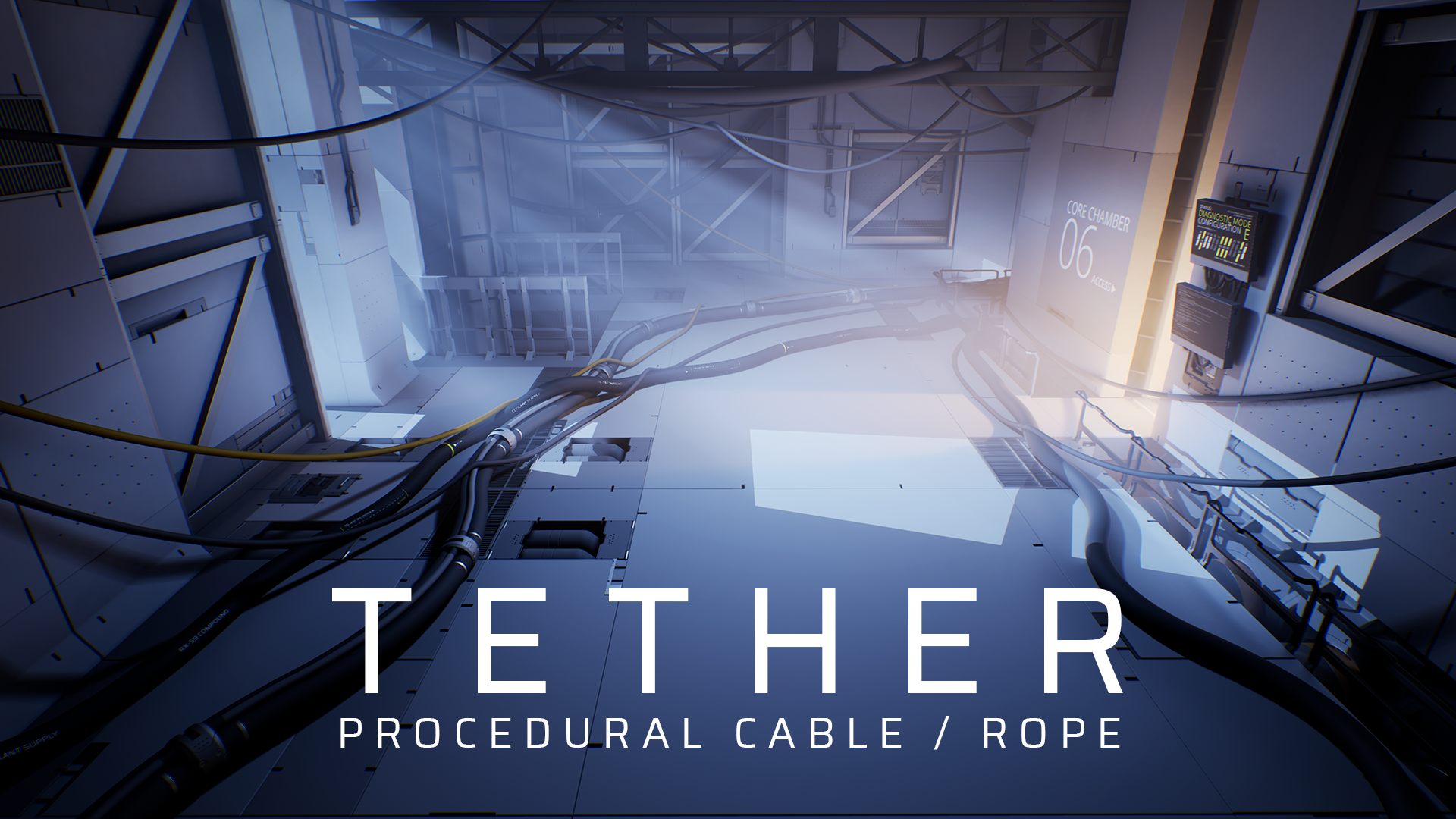
How Tether works
- Place the cable path by clicking points in the viewport or editing its Unreal spline.
- Adjust the shape with slack, tangents, and multiple connected segments.
- Simulate against the level so cables can hang, coil, and rest on surrounding geometry.
- Generate the mesh procedurally or deform a custom source mesh along the cable.
- Use static output at runtime without keeping the editor simulation active.
What you can create
- Electrical cables and wires
- Ropes and chains
- Flexible pipes and hoses
- Bundled or repeated cable runs
- Set-dressing elements that conform to level geometry
Key features
- Viewport-based Tether Editing Mode
- Non-destructive spline editing
- Automatic physics simulation and mesh rebuilding
- World and cable collision during simulation
- Procedural and custom mesh generation
- Reusable static mesh output
Compatibility and known limitations
Tether supports the Unreal Engine versions listed on its Fab listing. Match the plugin package and example project to the Unreal Engine version used by your project.
See release notes and version compatibility for plugin-specific changes.
UE5 Chaos physics limitation
World collision remains available in UE5, but self-collision—collision between different parts of the same cable—is disabled because it does not currently work with Chaos physics.
Cables may also require a higher Collision Friction value in Simulation Properties to rest reliably on other cables.